
How to Spend Robux in Roblox: A Complete Guide for Players
Roblox is an online gaming platform where players can explore millions of user-created experiences, customize their avatars, and interact with other members of the community. One of its most important features is Robux, the platform’s virtual currency. Robux allows players to purchase digital items, unlock additional features, and personalize their gaming experience.
Understanding how to spend Robux wisely can help players get more enjoyment from the platform while avoiding unnecessary purchases. Whether you are a beginner or an experienced Roblox player, learning about the different spending options can help you make informed decisions.
What Are Robux?
Robux is the official virtual currency used within Roblox. Players can use it to purchase a variety of digital products and services, including avatar accessories, clothing, special abilities, and premium features in individual games.
Although many Roblox experiences are free to play, some offer optional purchases that provide additional content or customization options. These purchases are not always necessary to enjoy a game, but they can enhance the experience for players who want more choices.
Robux can be purchased through official Roblox channels, obtained through eligible gift cards, or earned by creators who meet the platform’s requirements. It is important to remember that Robux has no guaranteed cash value for ordinary players and should primarily be considered a digital currency for use within the platform.
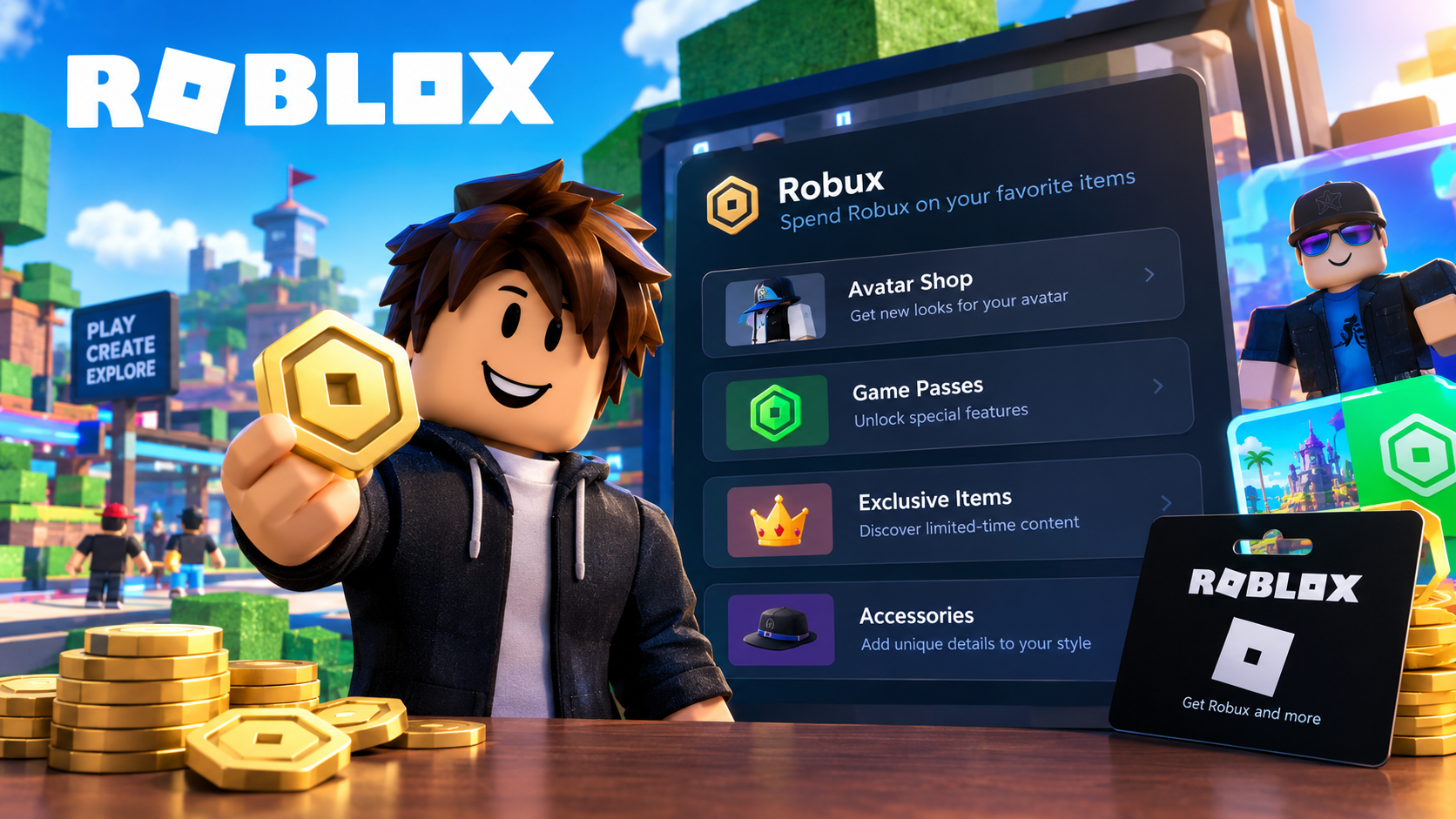
1. Customize Your Avatar
One of the most popular ways to spend Robux is by customizing your avatar. Roblox offers a Marketplace where players can find clothing, hairstyles, hats, accessories, and other virtual items.
These products allow users to create a distinctive appearance that reflects their personality and interests. For example, players might choose a futuristic outfit, a fantasy-inspired costume, or casual clothing that suits their preferred style.
Before purchasing an item, check its price and consider whether it fits your budget. Some accessories are inexpensive, while others may cost considerably more. Comparing several options before making a decision can help you find items that offer the best value for your preferences.
It is also useful to distinguish between free items and paid items. You may be able to create an attractive avatar without spending Robux on every available accessory.
2. Purchase Game Passes and Special Abilities
Another common use for Robux is purchasing game passes and other optional upgrades within individual Roblox experiences.
Depending on the game, a pass might provide access to exclusive areas, additional customization options, special equipment, or other gameplay benefits. Some experiences also sell consumable products, such as temporary boosts or additional in-game resources.
These purchases vary significantly between games. A game pass that is useful in one experience may have no relevance to another, so players should always review the product description before buying.
Consider whether an upgrade genuinely improves your enjoyment of the game. If a purchase offers only a minor advantage or a feature you rarely use, saving your Robux for another opportunity may be a better decision.
3. Explore Premium Content and Exclusive Items
Some Roblox experiences offer exclusive digital content that can be purchased with Robux. This content may include special animations, unique accessories, character upgrades, or access to additional gameplay features.
Limited availability and exclusive designs can make certain items appealing to collectors. However, players should avoid feeling pressured to purchase something simply because it appears rare or desirable.
Availability, pricing, and purchase conditions can change. Before spending Robux, review the information displayed in the relevant experience or Marketplace listing.
Players should also remember that owning an exclusive item does not necessarily improve their overall gaming experience. The best purchases are those that match their interests and provide lasting enjoyment.
4. How to Access the Official Roblox Website
To manage your account and explore available purchases, use the official Roblox platform. You can visit the official Roblox website to sign in, check available Robux purchase options, and browse the Marketplace.
Using the official website is particularly important when purchasing currency or managing account information. Always verify that the website address is correct before entering your password or payment details.
Once signed in, navigate to the relevant section to explore available products. Depending on the device and purchase type, the available payment methods and prices may differ.
Never share your login credentials with other players, and avoid third-party websites promising discounted or unlimited Robux. These offers can expose your account to fraud or unauthorized access.
5. Set a Budget Before Spending
Managing your Robux balance is an important part of responsible gaming. Without a spending plan, it can be easy to make several small purchases that eventually add up to a significant amount.
Start by deciding how much money, if any, you are comfortable spending on Roblox. If you already have Robux, determine how much you want to reserve for future purchases.
A practical approach is to prioritize the items you want most. For example, you could spend part of your balance on avatar customization and save the remainder for a useful game pass.
It is also worth waiting before making expensive purchases. Taking time to compare alternatives can prevent impulsive decisions and help you decide whether an item is genuinely worthwhile.
For younger players, parents and guardians can use available parental controls and spending limits to help manage purchases and encourage healthy digital habits.
6. Understand Gift Cards and Robux Purchases
Roblox gift cards provide another official way to add value to an account. Depending on the card and redemption terms, the balance may be used to purchase Robux or eligible subscriptions.
To redeem a gift card, visit the official Roblox redemption page in a web browser, sign in to the correct account, enter the code, and follow the instructions. Check that the credit or Robux has been added before making further purchases.
When buying Robux directly, compare the available packages and their prices. Larger packages may provide a different value per Robux, but spending more money is not automatically the best choice.
Choose an option that matches your needs and budget. Remember that payment options, package prices, and promotional offers may vary by region and platform.
7. Avoid Scams and Protect Your Account
Online safety is essential when using Robux. Websites, videos, and messages that promise free Robux generators or ask you to provide your password in exchange for currency should be treated as warning signs.
Roblox does not provide legitimate unlimited Robux generators. Avoid suspicious links, unofficial downloads, and offers that require you to complete questionable surveys or disclose sensitive account information.
If an offer seems unusually generous, verify it through official Roblox resources before taking action. Enable available account security features and never share verification codes with strangers.
Protecting your account helps ensure that the Robux you purchase or earn remains secure.
Conclusion
Robux offers many ways to personalize avatars, access optional game features, and explore additional content across Roblox. By understanding the available spending options, comparing prices, and setting a reasonable budget, players can make choices that suit their interests without overspending.
The most effective approach is to prioritize purchases that provide genuine enjoyment, use official Roblox channels, and remain cautious of suspicious offers. With a little planning and attention to online safety, Robux can become a useful part of a more enjoyable and responsible Roblox experience.